Asset Assignments
The Asset Assignments section allows you to:
- View assigned assets
- Request new assets
- Track request status
This section ensures structured asset tracking for every employee.
Prerequisites
Before using Asset Assignments, ensure the following are configured:
1️⃣ Asset Categories & Types Must Exist
Admin must configure:
- Asset Categories
- Asset Types inside categories
- Assets inside asset types
Path:
Organizations → Asset
Without assets in the system:
- Asset request creation will not work.
2️⃣ Location Must Be Set
Asset requests are filtered based on employee location.
If location is not set:
- Asset request options may not appear correctly.
Tab Structure
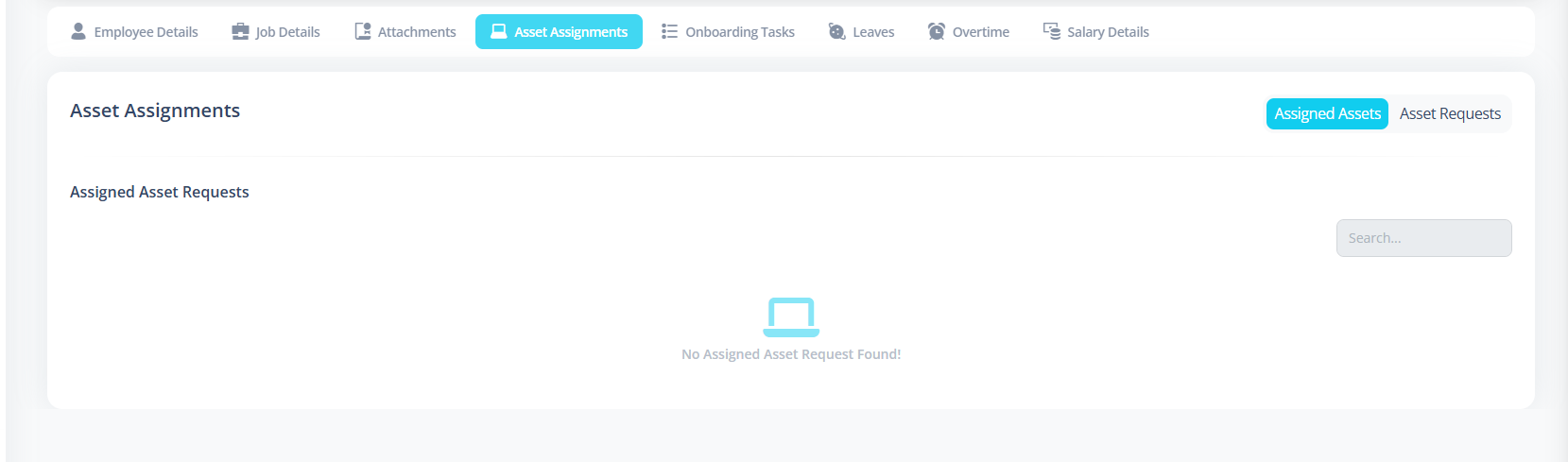
The Asset Assignment section contains two tabs:
- Assigned Assets
- Asset Requests
Assigned Assets
This tab displays assets that have been:
- Approved
- Assigned to the employee
Delete Assigned Asset
Asset Requests
This tab shows:
- Requested assets
- Rejected assets
- Pending requests
Create New Request
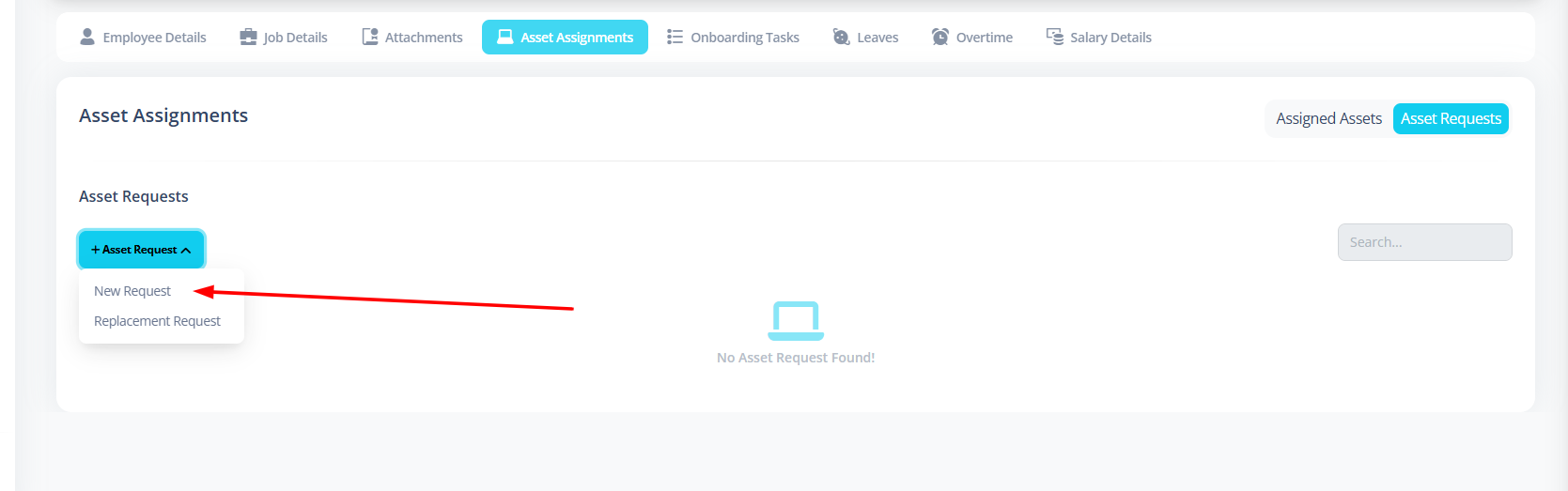
Click:
Asset Request → New Request
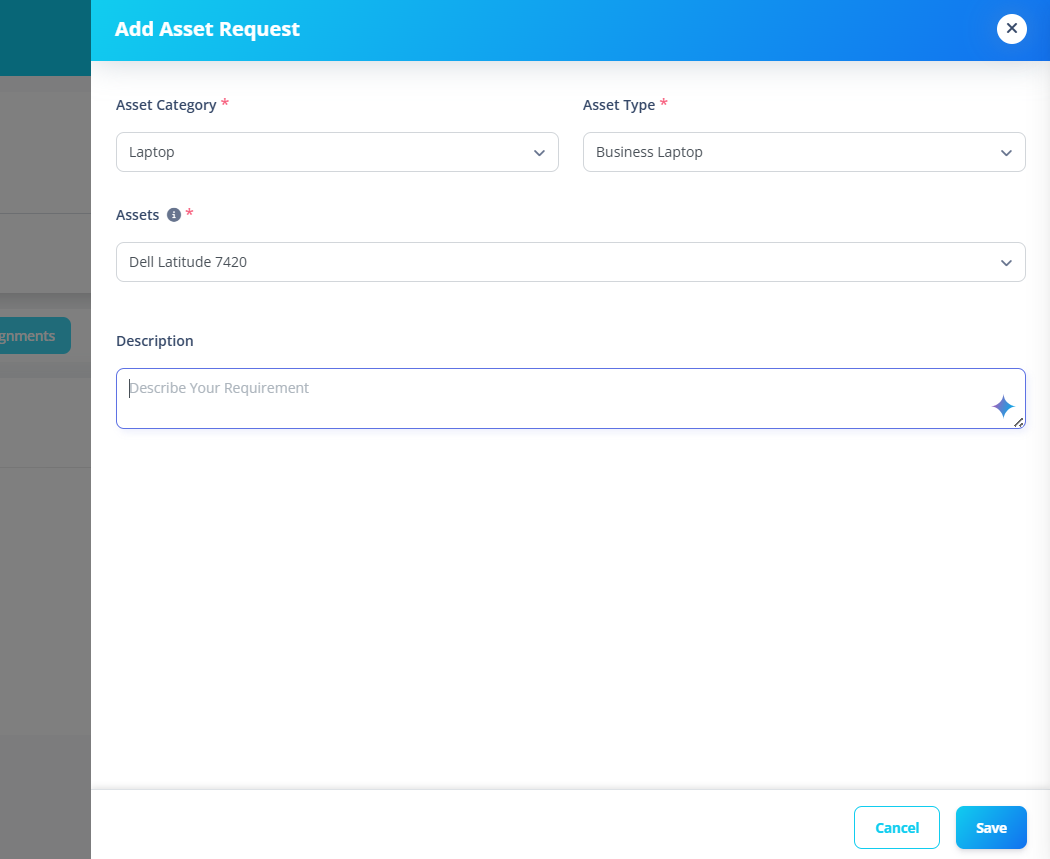
You can:
- Select asset category
- Select asset type
- Select asset
- Provide description
- Save
Replacement Request option is currently unavailable.
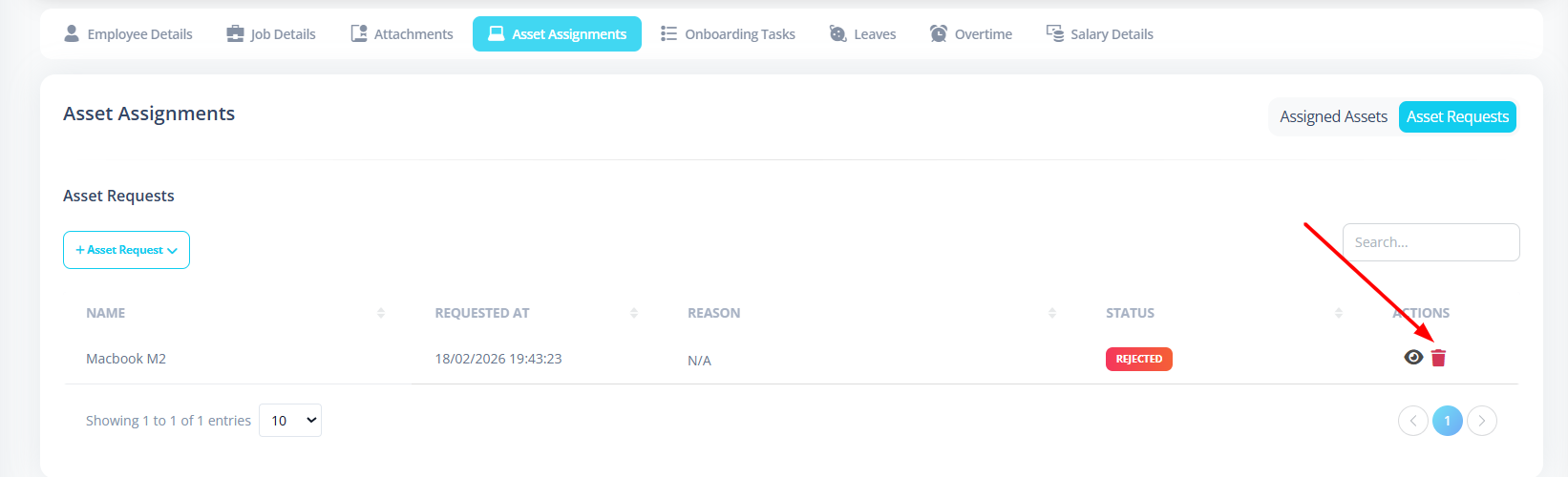
Delete Request
- Delete icon appears
- Confirmation required
- Request is removed
Request Lifecycle
The typical request flow:
- Employee submits request OR Admin/hr can also request on the behalf of employee
- Status = Requested
- Admin/Hr reviews
- Status becomes:
- Approved → Moves to Assigned Assets tab
- Rejected → Remains in Asset Requests tab
- Asset can later be Returned
First-Time Setup Guide
To enable Asset Assignments properly:
- Create Asset Categories
- Create Asset Types
- Add Assets
- Assign Locations
- Ensure employee has location assigned
Best Practices
- Separate hardware and software assets.
- Keep clear naming for assets.
- Monitor request-to-approval time.
- Audit assigned assets periodically.
Summary
The Asset Assignments module provides:
- Structured asset request system
- Clear approval workflow
- Real-time status tracking
- Permission-based control
- Searchable and paginated records
It ensures complete lifecycle management of employee assets.